Mag-Login sa TOTEM
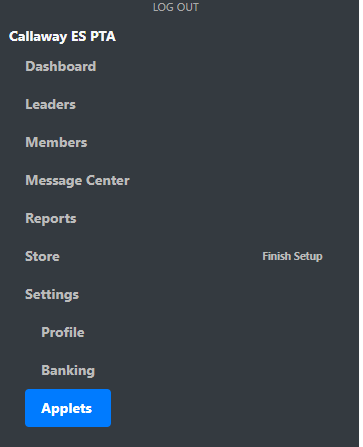
Go to Settings --> Applets
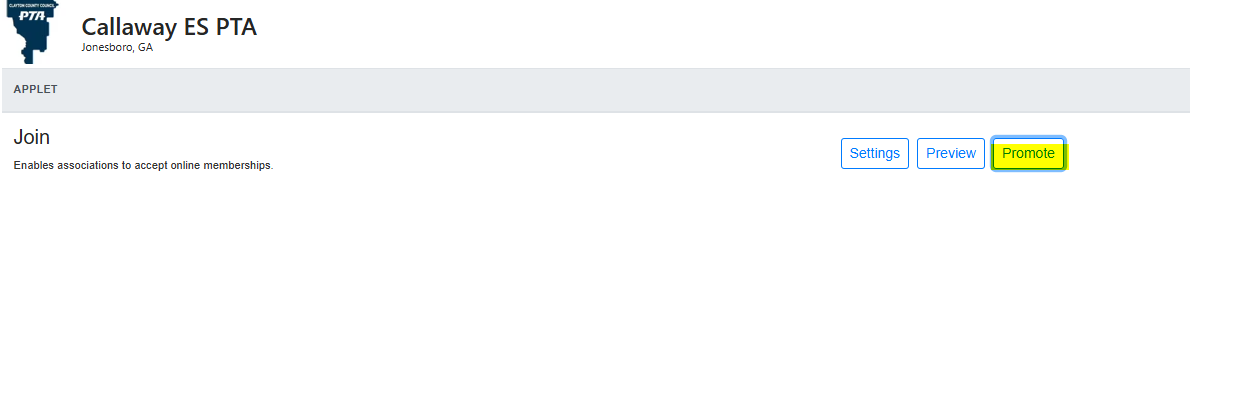
I-klik ang I-Promote
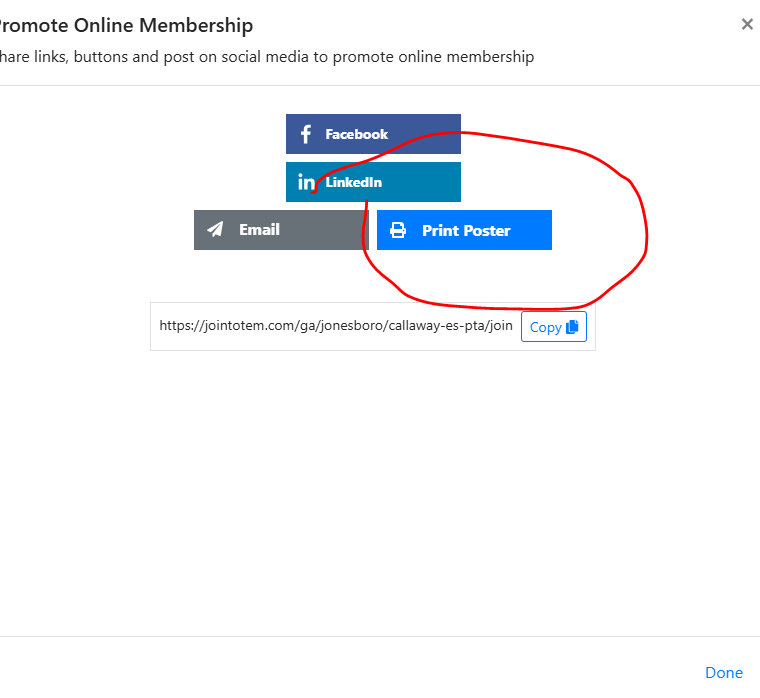
Click on Print Poster
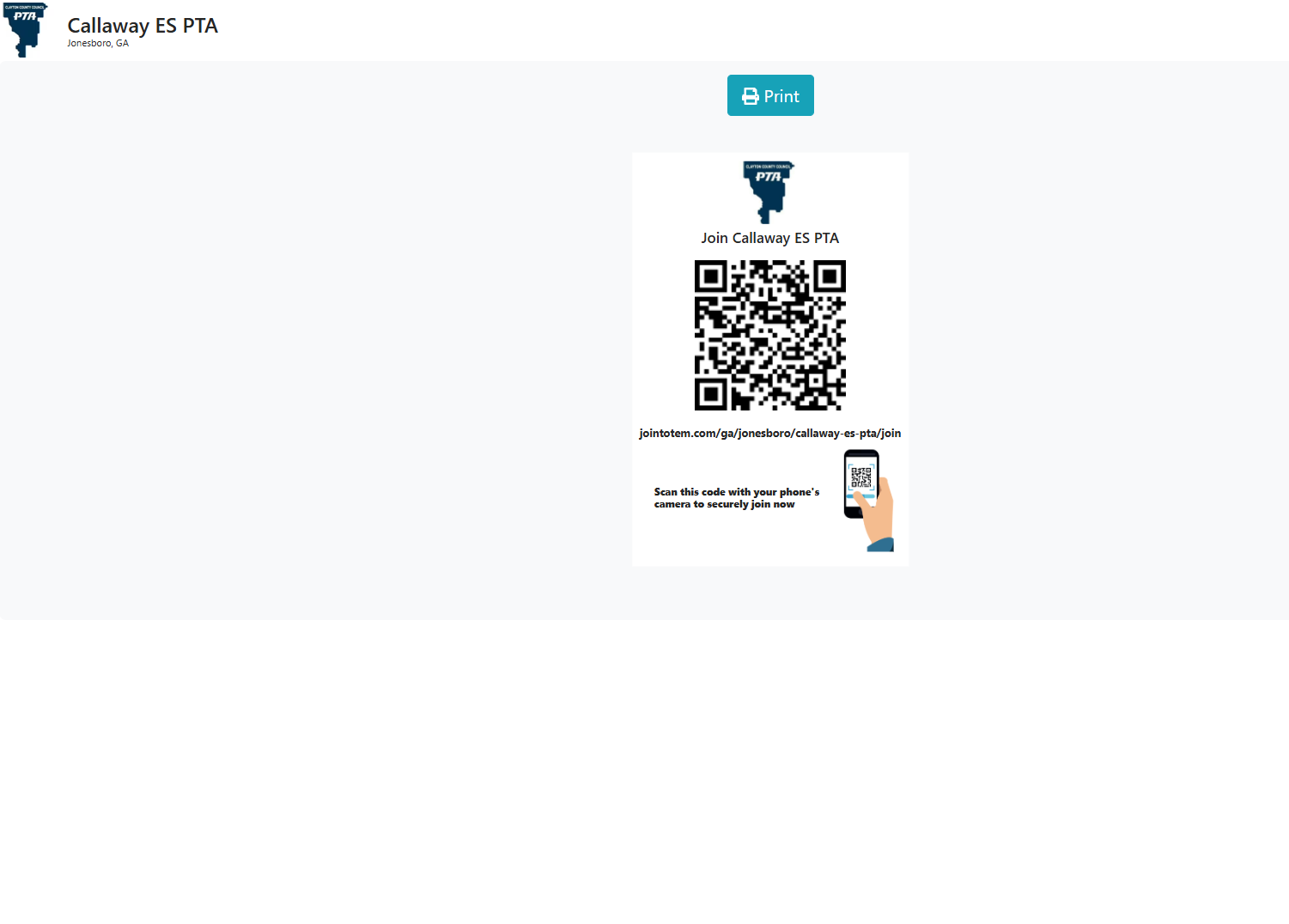
Click on Print to print your QR code Poster

Modified on: Thu, Aug 20, 2026 at 4:14 PM
Mag-Login sa TOTEM
Go to Settings --> Applets
I-klik ang I-Promote
Click on Print Poster
Click on Print to print your QR code Poster
Ang ibig mo mahanap ito kapaki-pakinabang? Oo Hindi
Magpadala ng puna